
What Is IT Support and Do You Need It?
What is IT support and what do you need it? View user support, planned maintenance, service coverage and steps to determine the need for your business.
Read the guide →Menu +
INFORMATION CENTER
68 guides on IT support, networking, cloud, servers, security and software. Learn the concepts, review practical steps and assess the service that fits your needs.

Use Quad Bilişim’s printable two-page form to compare quotation scope and track cable records in the handover file.
Download quotation and handover check forms (Turkish PDF, 2 pages, 79 KB)
How to use it quotation comparison and reading a test report guides for details.
What is IT support and what do you need it? View user support, planned maintenance, service coverage and steps to determine the need for your business.
Read the guide →
What is IT maintenance agreement? Learn coverage, SLA, on-site visit, backup responsibility and price factors; Check out the pre-contracted checklist.
Read the guide →
What is IT outsourcing? Explore service scope, collaboration with an internal team, transition steps and provider selection criteria.
Read the guide →
What does IT mean? Learn about hardware, software, networks, data and support, and understand the role of an IT department in a business.
Read the guide →
Compare TeamViewer, AnyDesk, Chrome Remote Desktop, RustDesk and Microsoft Remote Desktop options in terms of security and management.
Read the guide →
Get the first response, intervention and solution time with IT support SLA. Check the sample event and checklist for Priority, working calendar and reporting.
Read the guide →
Compare IT outsourcing proposals on equal terms. Check support hours, SLAs, secure access, backups and service handover with this practical checklist.
Read the guide →
What is computer engineering? Software, hardware, algorithm and system design relationship; view work areas and applications in businesses.
Read the guide →
What is Regex? Learn the character class, repeat and limit signs in regular expressions. Check data cleaning, verification and performance limits.
Read the guide →
What is artificial intelligence? Machine learning and productive artificial intelligence difference; Find out about use, data quality, verification and pilot project steps in businesses.
Read the guide →
2024’s artificial intelligence and machine learning developments: long context, multi-mode models and light weights. Term review and exits for businesses.
Read the guide →
2023 technology trends: productive artificial intelligence, cloud, automation and risk management. Check out the developments of the period with the interests for businesses.
Read the guide →
Compare Voiceflow, Botpress, Dialogflow, Rasa and Copilot Studio options for Chatbot design. Plan integration, data, testing and human patrol.
Read the guide →
Define user intent, knowledge sources, response limits and handoff to human support. Includes an example scenario and a review table.
Read the guide →
What is the Workstation? The difference of the standard computer with a workstation; Learn processor, RAM, GPU and storage selections for CAD, rendering and data analysis.
Read the guide →
What is VDS, what is Virtual Dedicated Server? Check VPS difference, resource allocation, server management and package selection criteria that match your application.
Read the guide →
What is a virtual server? Learn the management responsibilities with virtualization, physical server difference, usage areas and CPU, RAM, disk, backup.
Read the guide →
What does the server rent work? Virtual and physical server options; Compare with cost, capacity, support, license and backup conditions.
Read the guide →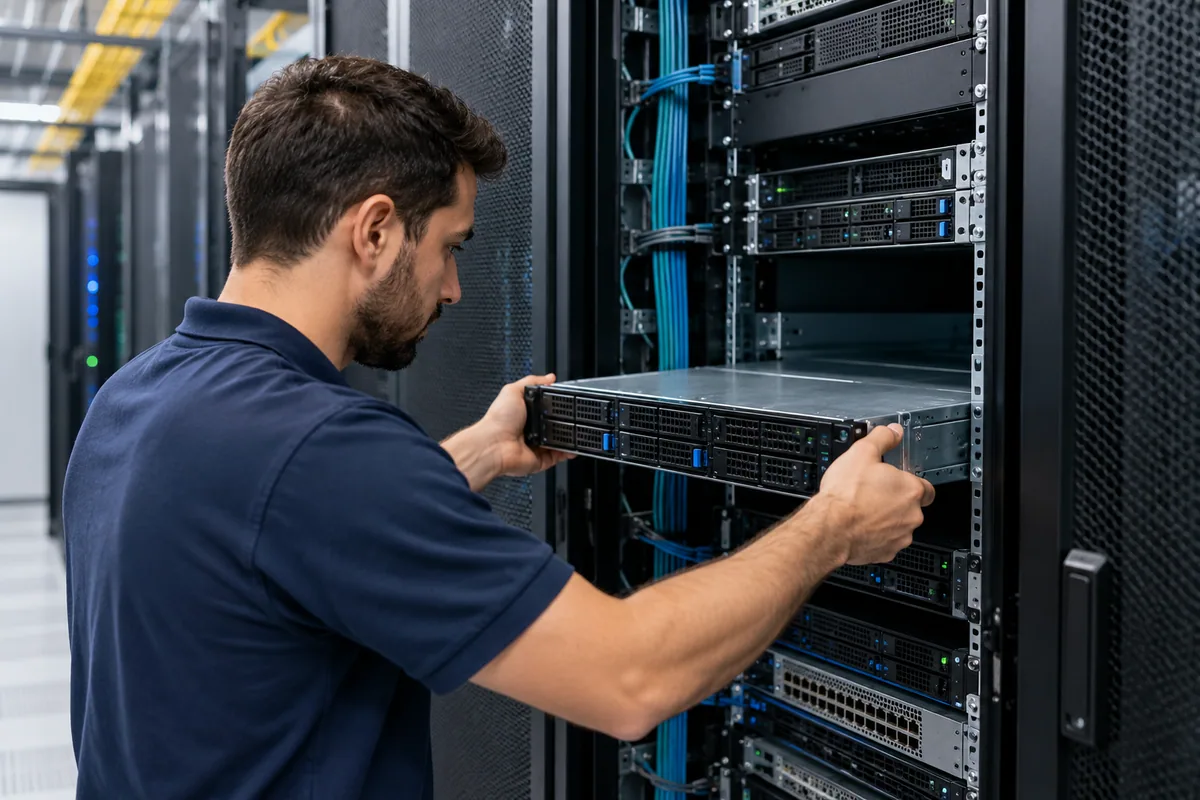
5 reasons for receiving colocation service: energy, connection, physical environment, space and operation. Learn responsibility and selection criteria in server hosting.
Read the guide →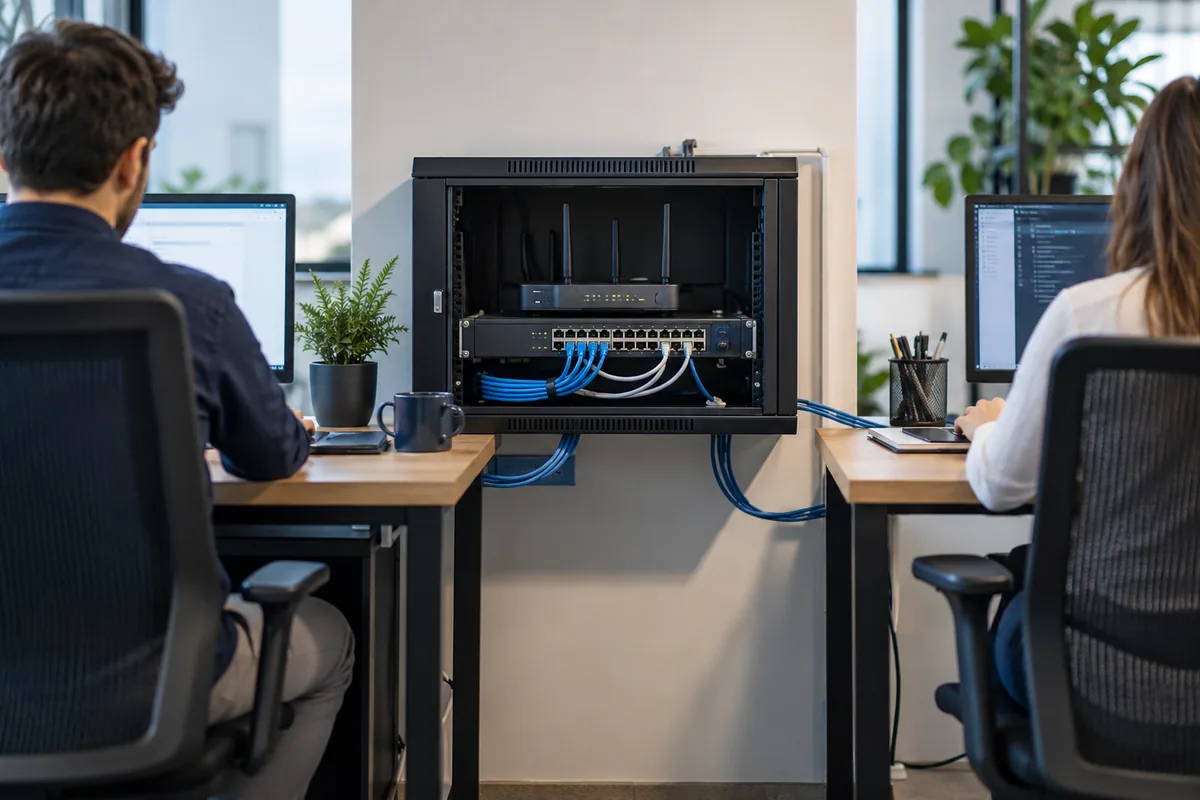
What is Network? Learn LAN, WAN, switch, router and wireless network concepts. View network planning and troubleshooting control list for businesses.
Read the guide →
What is Routing? Static and dynamic routing, routing table and default gateway concept; Find out the importance of choosing the right route on networks.
Read the guide →
What is network wiring? Learn copper and fiber infrastructure, patch panel, labeling and line tests. View the list of discoveries for office wiring.
Read the guide →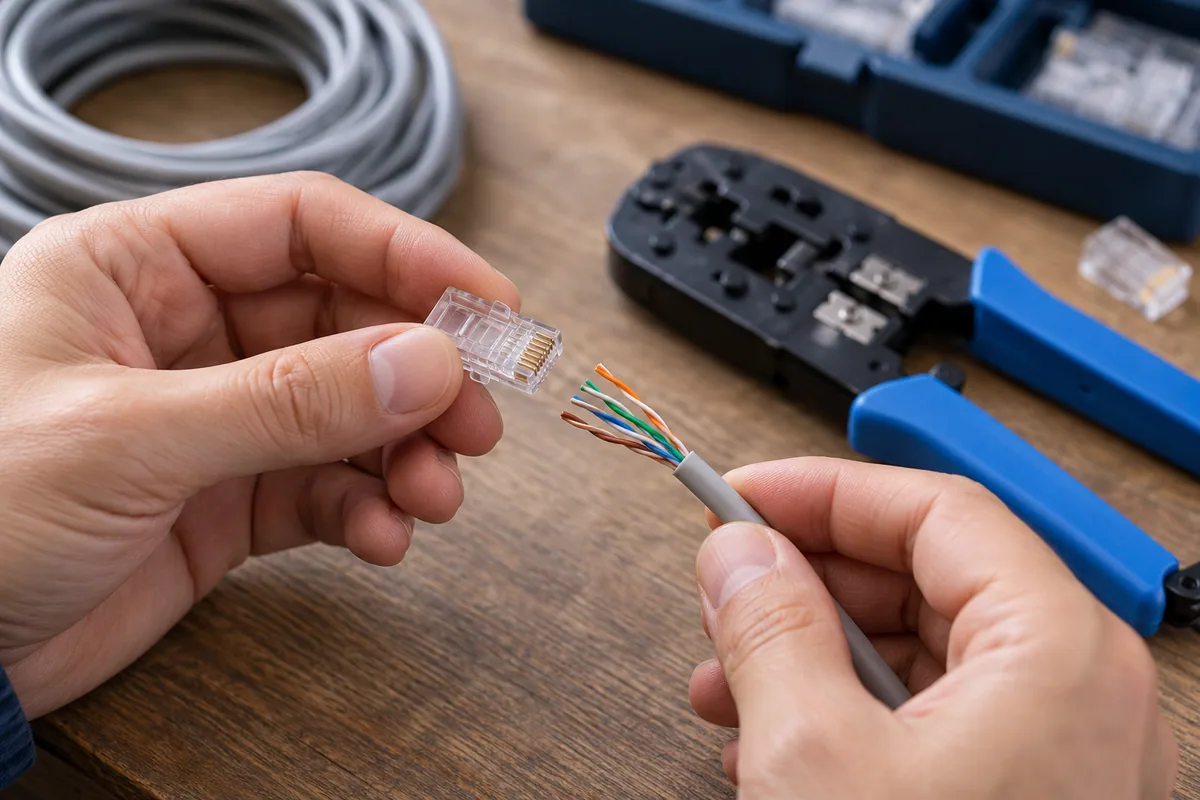
How to make RJ45 cable connection? Check T568A and T568B color ranking, convenient connector selection, termination steps and connection tests.
Read the guide →
What is Access point, what does it work? Router and repeater difference; Learn how to choose Wi-Fi coverage, user capacity, PoE and office layout.
Read the guide →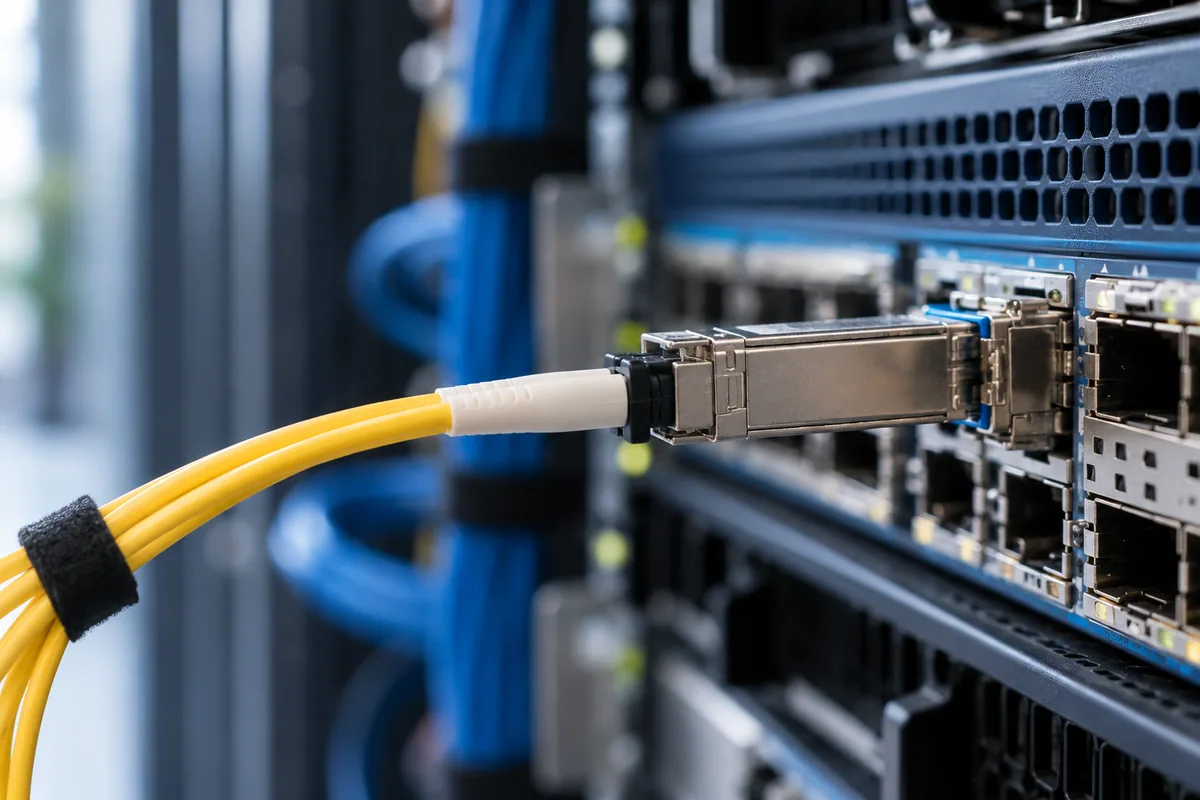
What is Metro Ethernet, what purpose is used? Find evaluation criteria for corporate connection, symmetrical speed, SLA, fiber access and backup line.
Read the guide →
How to increase internet speed? Check the step-by-step diagnostic guide for wired measurement, Wi-Fi layout, loading traffic, device control and package selection.
Read the guide →
What is DNS, what does it work, how to change? The difference of domain names records with the solutionr; Learn A, AAAA, CNAME, MX, TXT and TTL concepts.
Read the guide →
How to split the guest Wi-Fi network? VLAN, client insulation and firewall differences; Find out the pre-app control and acceptance tests for office.
Read the guide →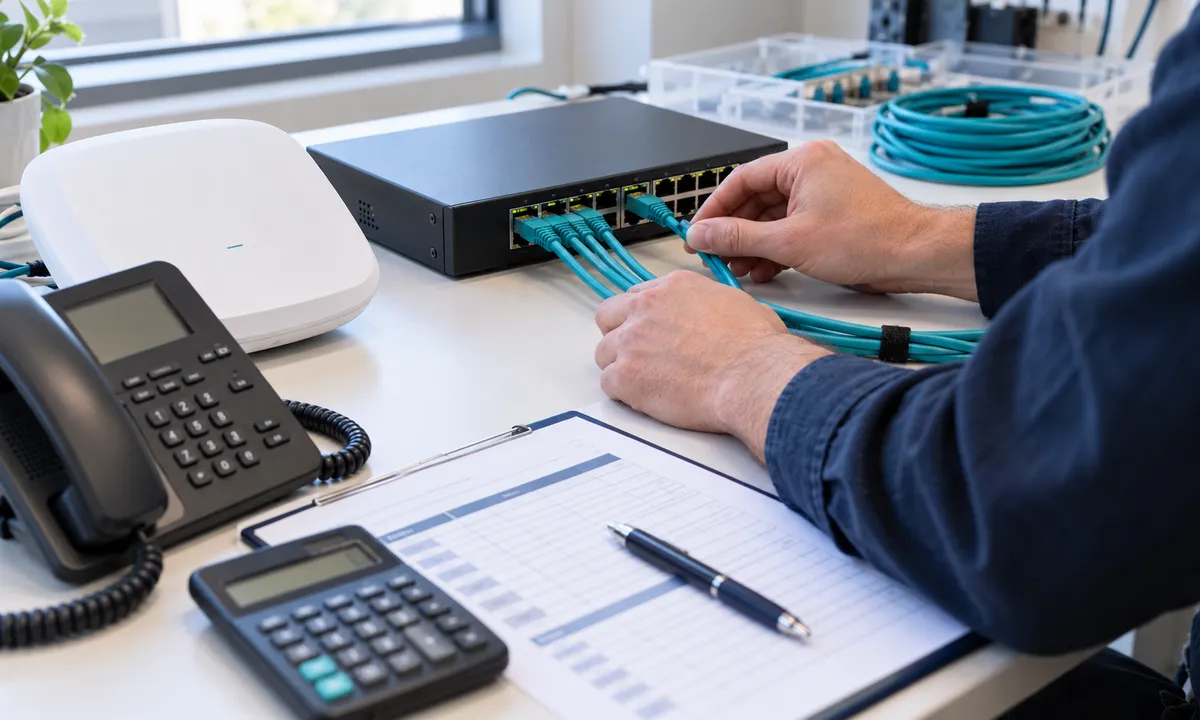
Plan capacity for access point and IP phones with PoE power budget calculation example. Check port limit, total power and growth share.
Read the guide →
Plan office access point placement using measurements. Separate coverage from capacity and assess problems with floor plans, client checks and survey records.
Read the guide →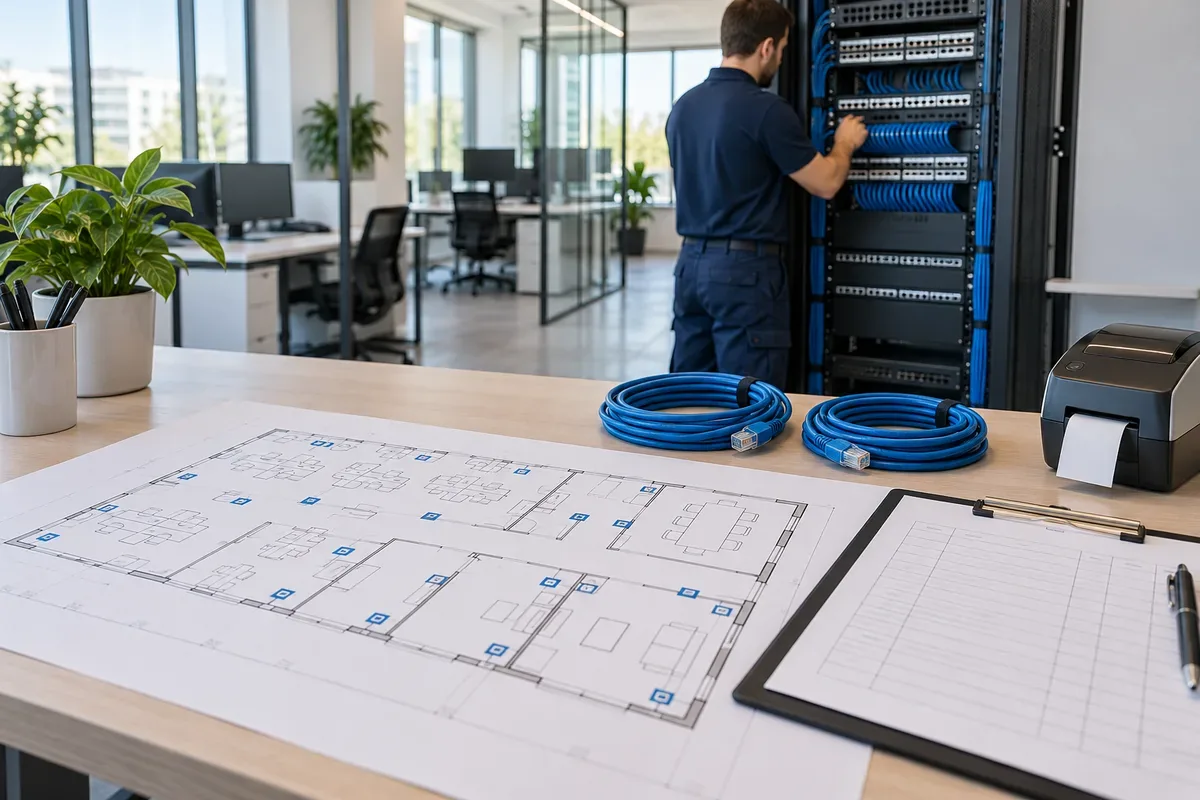
Plan data outlets, the cabinet, cable routes and handover records together. Use an example requirements list to define the scope of your office cabling survey.
Read the guide →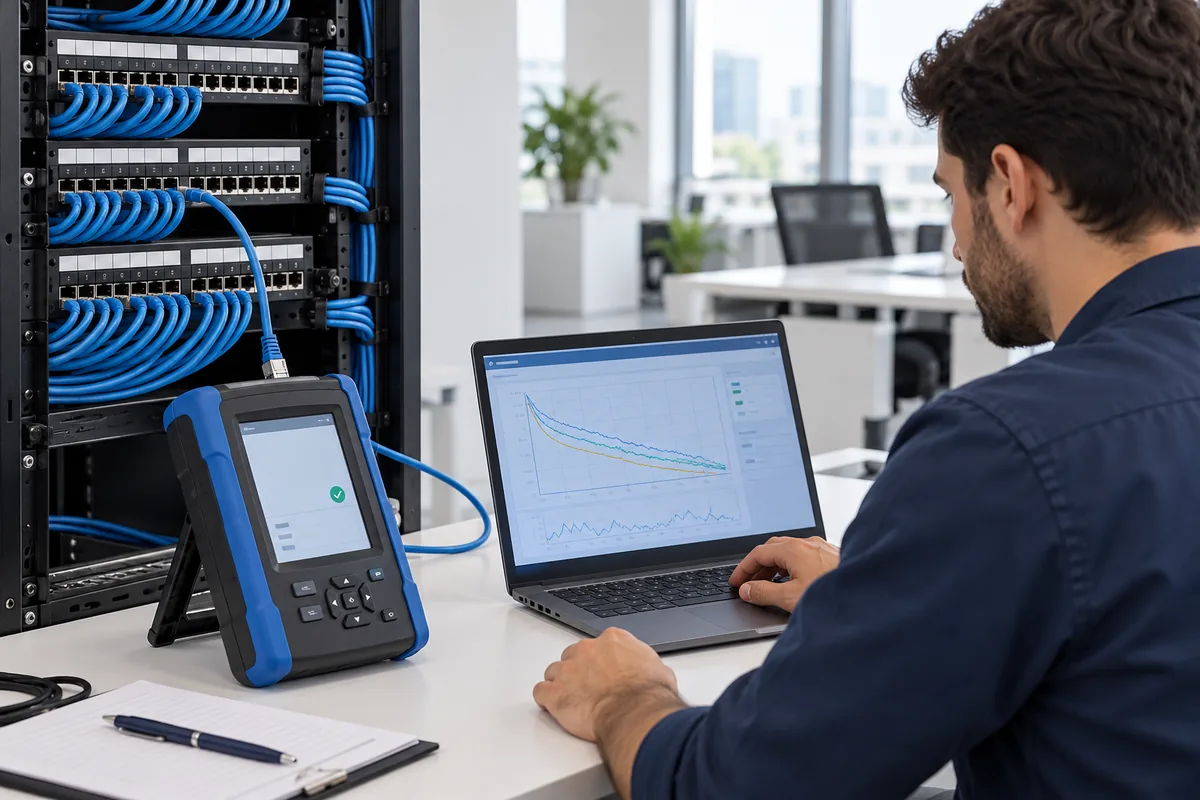
Read link IDs, test limits and permanent-link or channel scope in a data cabling test report. Use an example acceptance table to identify incomplete records.
Read the guide →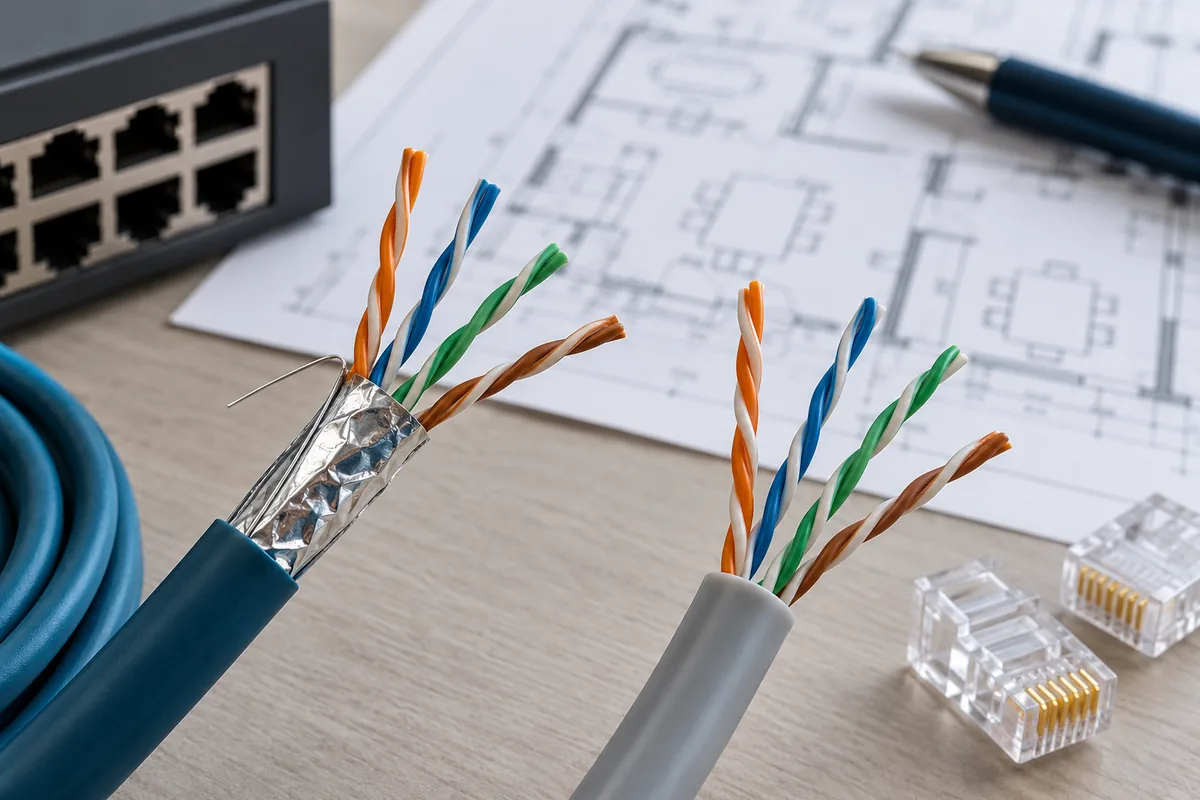
Choose office Cat6 or Cat6A cabling by assessing the target application, channel length, routes and testing scope. Compare compatible system documents, not just brands.
Read the guide →
Map patch panels and data outlets using the same link ID. Keep office cabling traceable with an example label table, change log and handover checks.
Read the guide →
Decide whether to reuse office data cables using their condition, target application and test evidence. Use an example matrix to separate retained and replacement links.
Read the guide →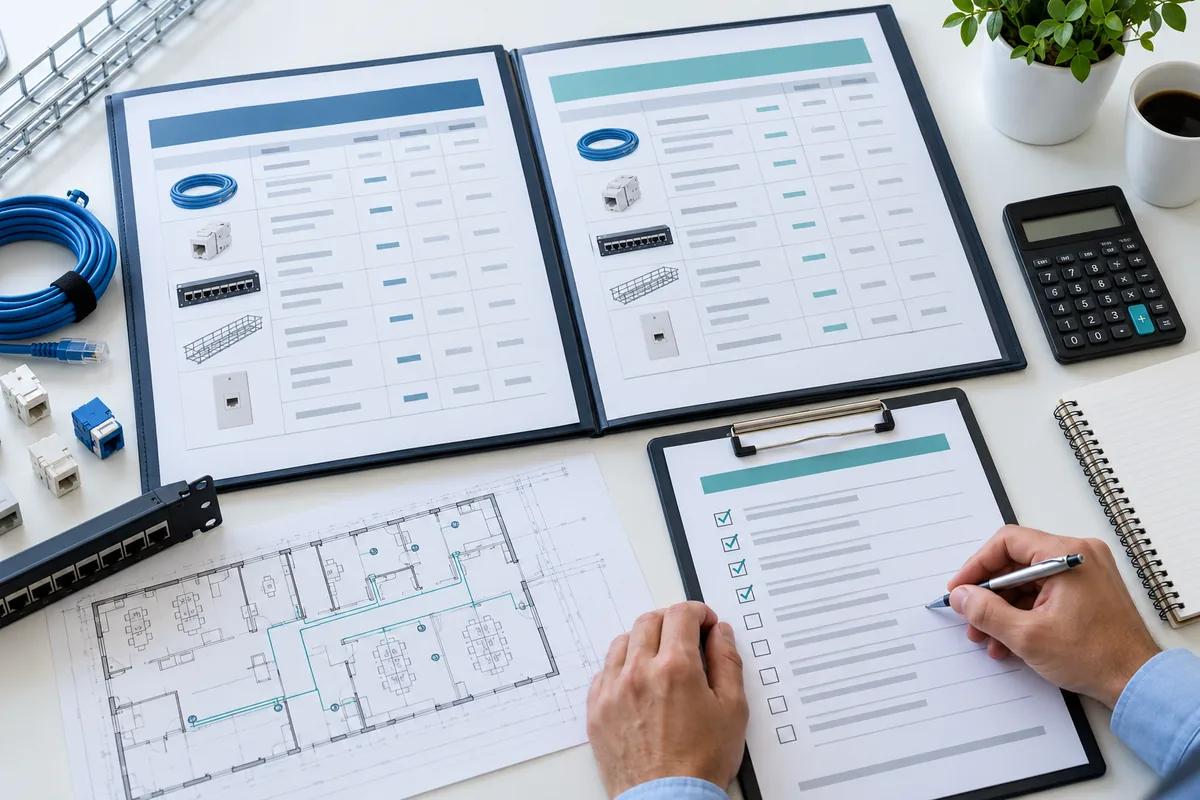
Compare cabling quotations by outlet count, product codes, routes, testing, labeling and warranties. Use an original checklist to identify missing scope.
Read the guide →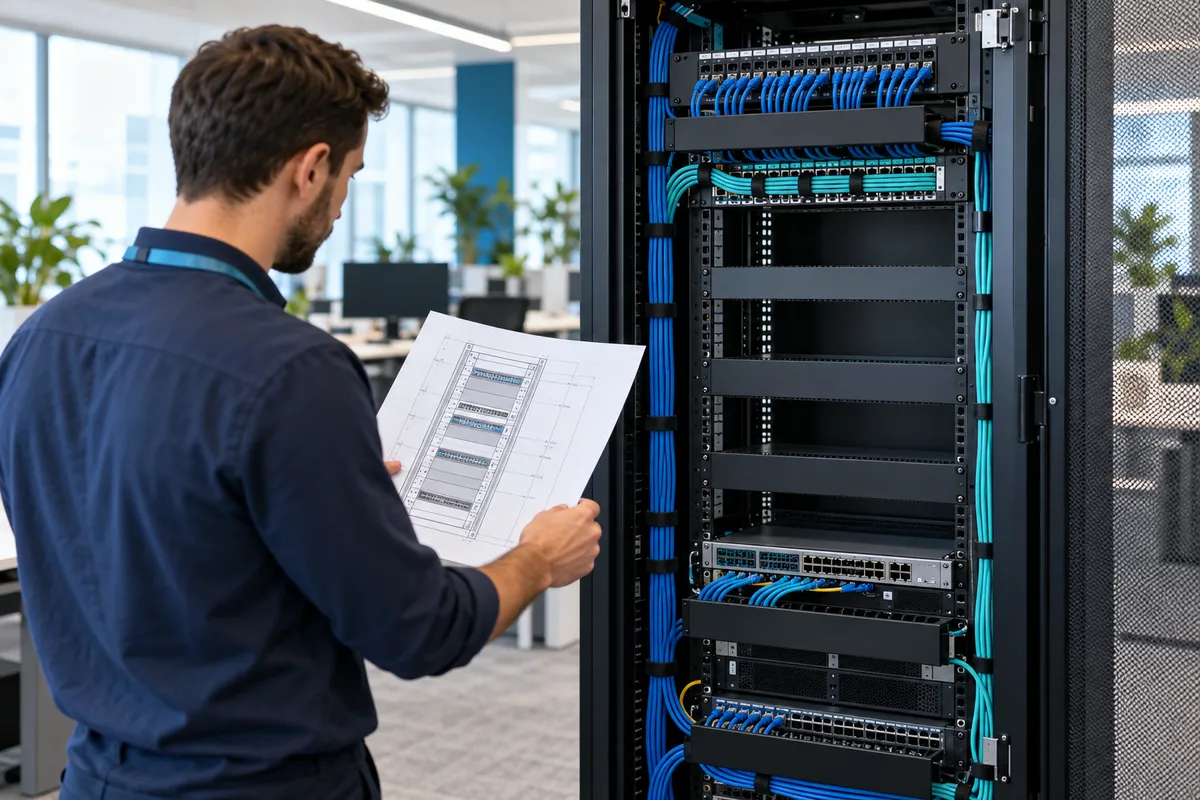
Do not evaluate the network cabinet capacity only by U height. Sample capacity record for cable entry, depth, maintenance access and growth allowance.
Read the guide →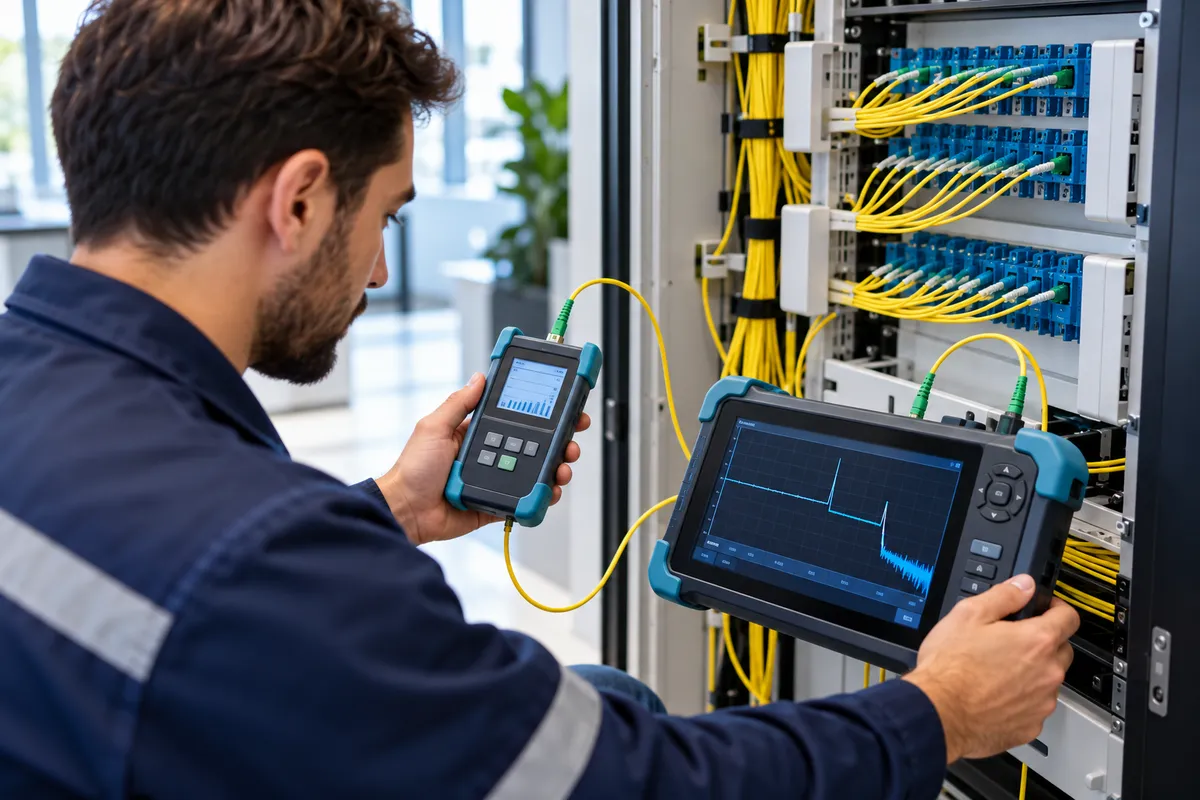
Separate OLTS total loss and OTDR event analysis in fiber backbone delivery. Sample acceptance record table for wavelength, test coverage and loss limit.
Read the guide →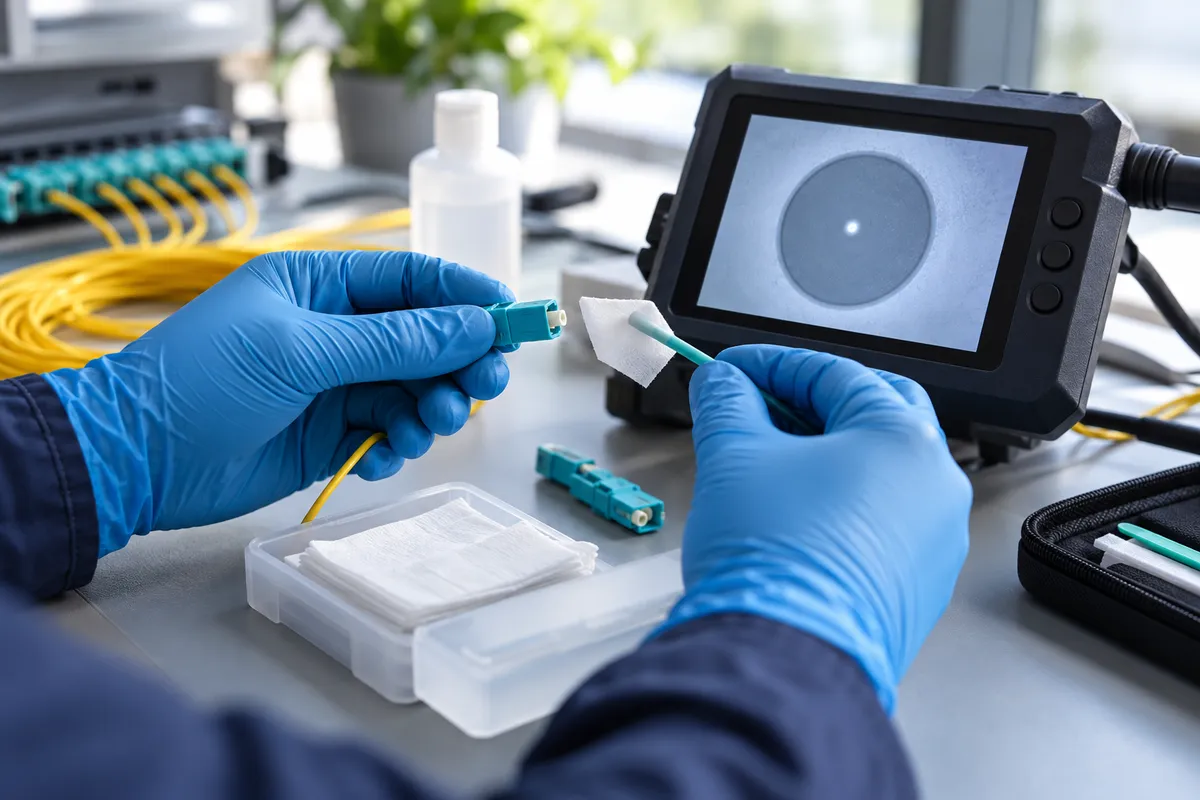
Learn the inspection and rechecking steps in fiber connector cleaning. Prepare a sample maintenance record for the connector, adapter, and test cable.
Read the guide →
Plan the office data cable route according to maintenance and growth. Checklist for bending, entry point, compression and manufacturer's certificate.
Read the guide →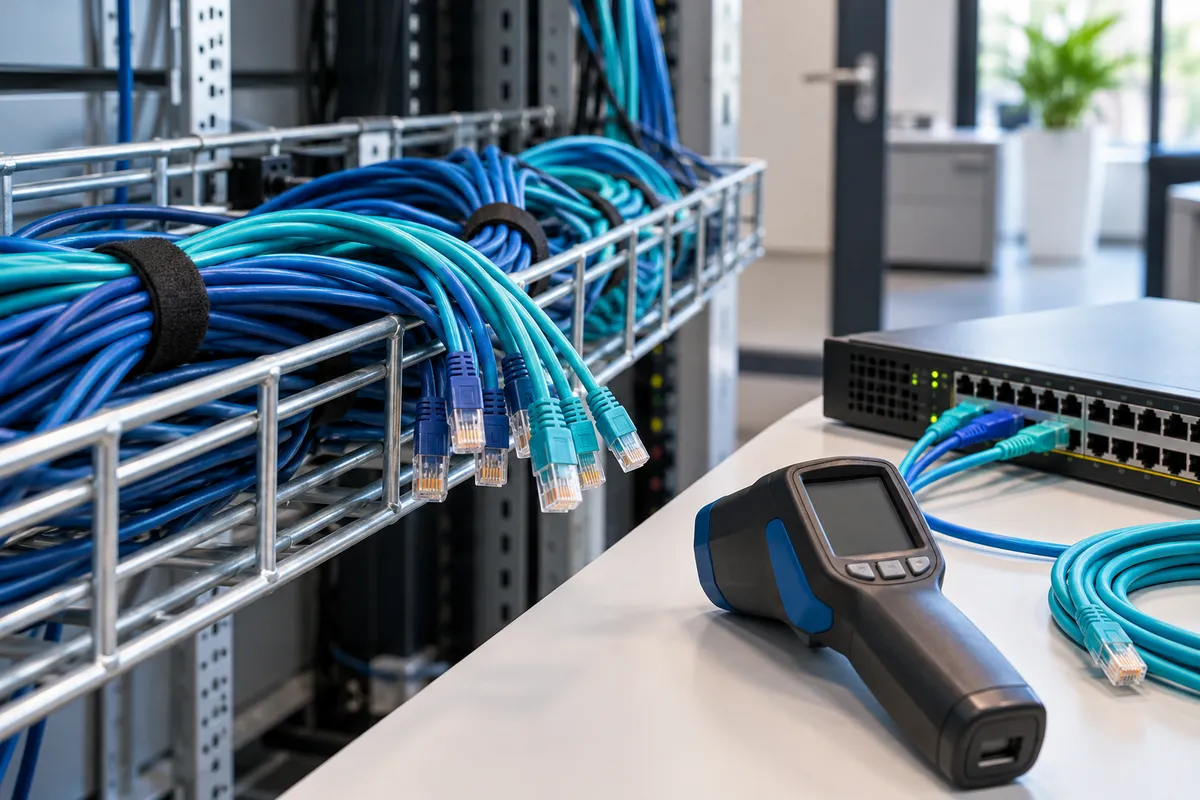
Assess cable bundle temperature separately from the PoE power budget. Use a design record covering ambient conditions, conductors, bundles and manufacturer limits.
Read the guide →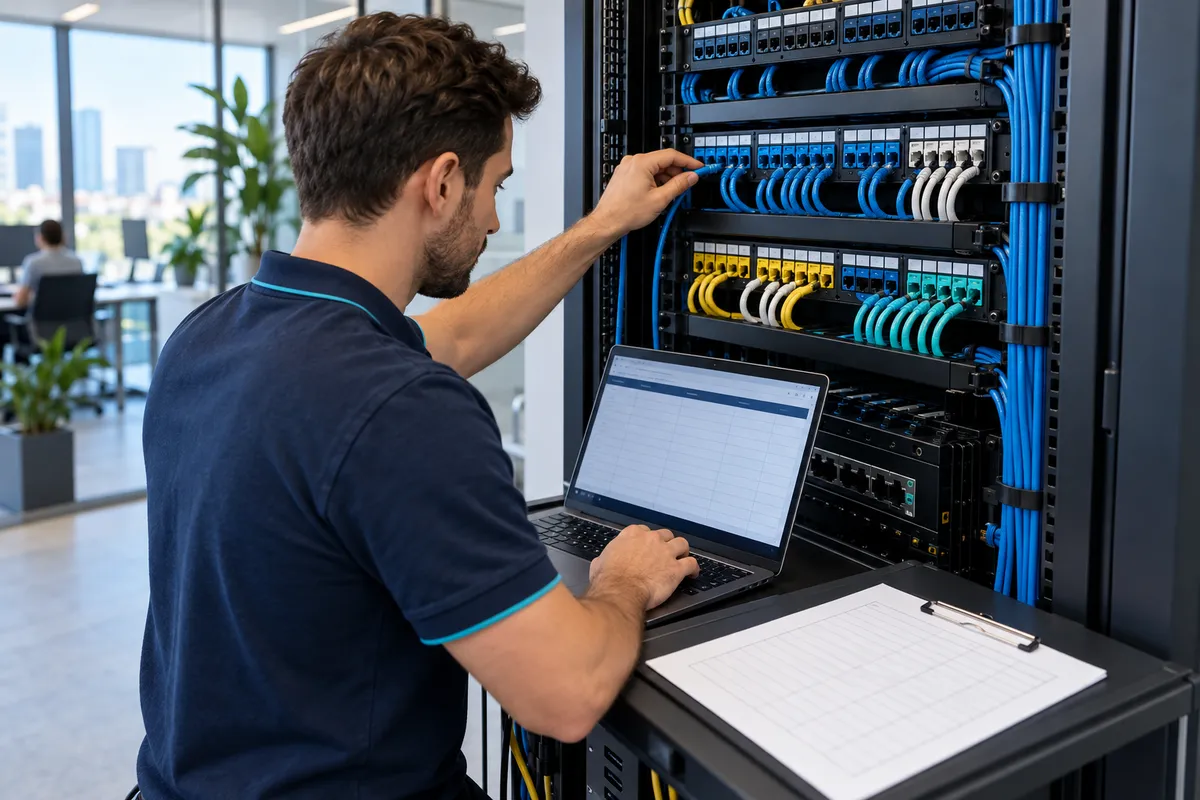
Keep a before/after record for port transfers and new data socket operations in office cabling. Combine label, measurement, approval and drawing update.
Read the guide →
LSZH and CPR are not the same thing. When dealing with office data cables, compare the jacket type, Euroclass, product code, and Declaration of Performance (DoP) against a reference checklist.
Read the guide →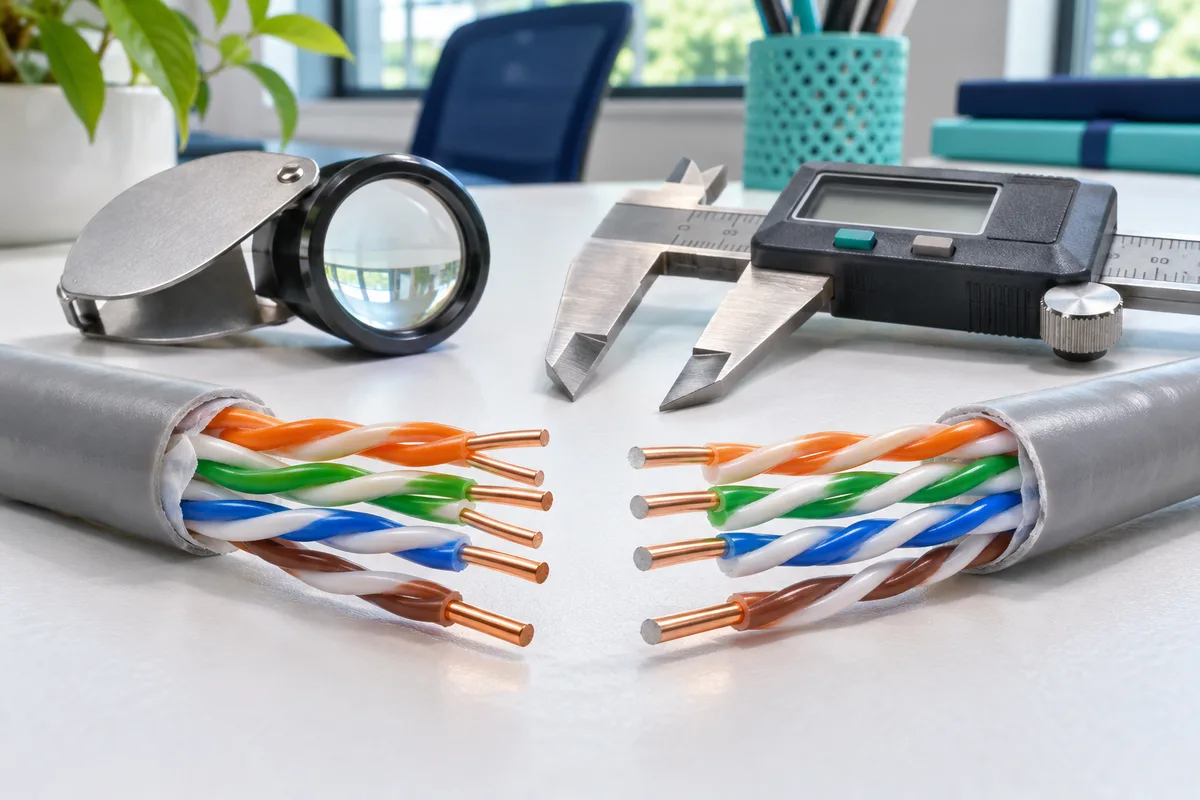
Do not confuse CCA (Copper-Clad Aluminium) conductors with the CPR "Cca" fire-reaction class. Always verify the specifications in the proposal, product documentation, and the scope of testing for office data cabling.
Read the guide →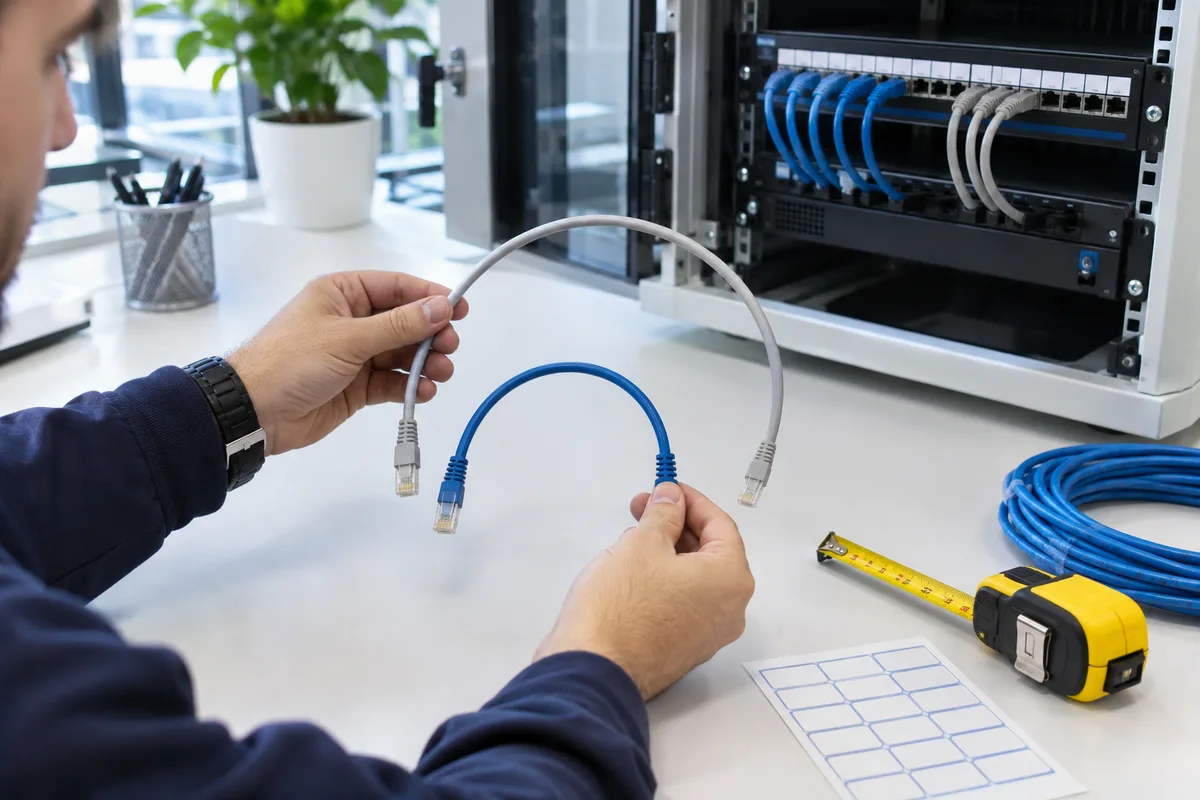
Check category, length, AWG, shielding and PoE conditions when choosing patch cords. A product and port matching checklist for office racks.
Read the guide →
How is a device-end plug assessed in an MPTL? Review test scope, adapters and handover records for direct access point cabling.
Read the guide →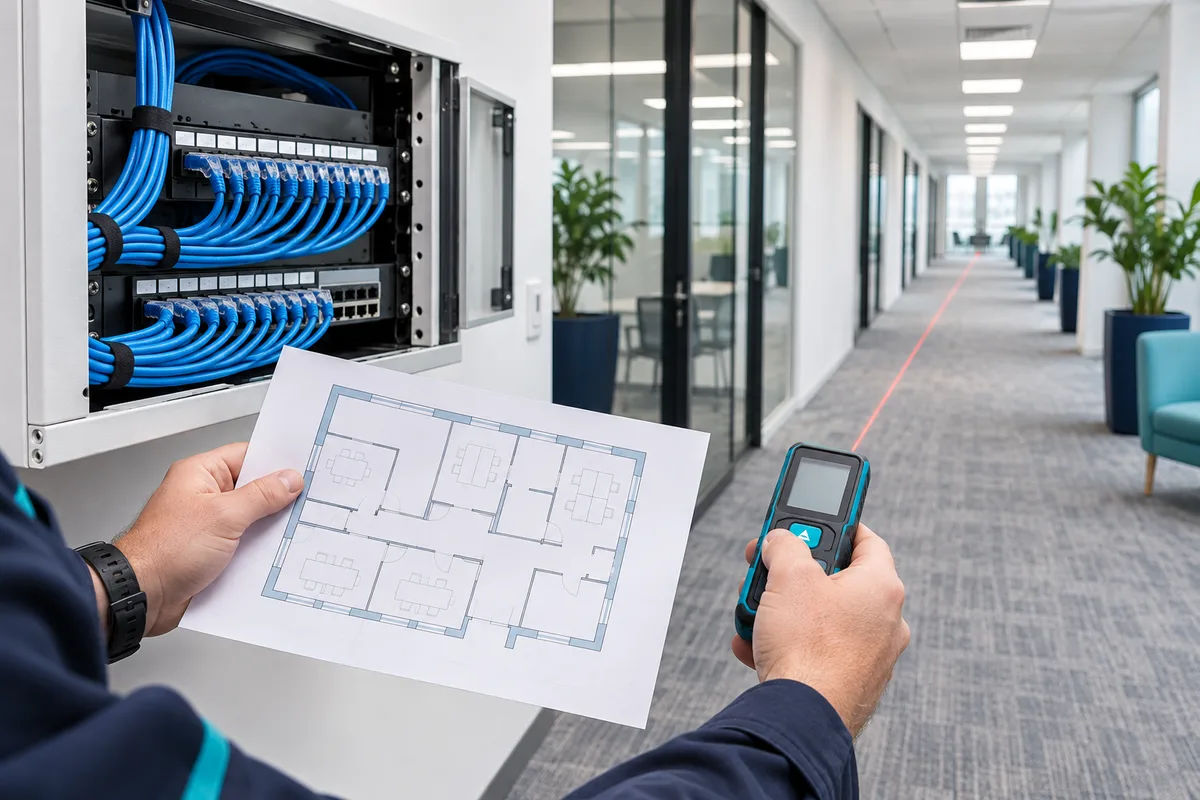
How far can Cat6 run? Learn about 90-metre permanent links, 100-metre channels and switch or fibre options for longer office data cabling runs.
Read the guide →
How should data cabling adapt to changing office layouts? Compare a consolidation point, a direct run and a switch with a practical decision table.
Read the guide →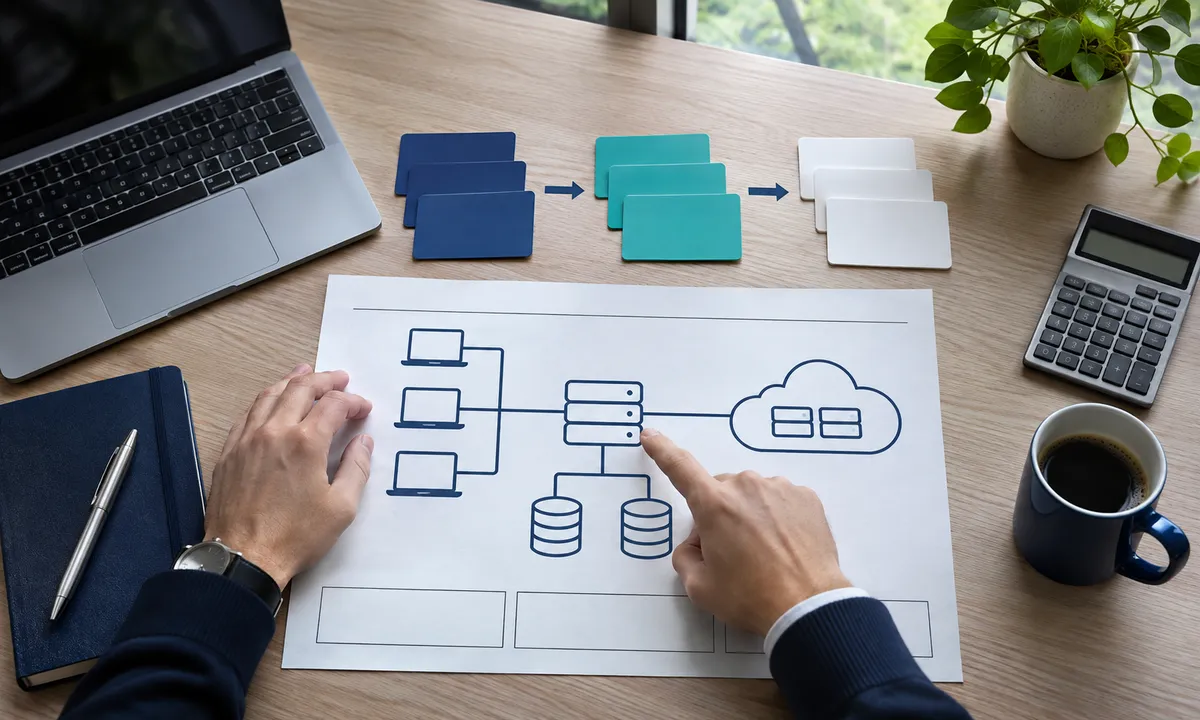
A Yandex Cloud migration plan should define the workload, data location, access model and cost limit before choosing server counts.

What is cloud technology? IaaS, PaaS and SaaS models; Learn how to switch steps for cost, data access, security responsibility and businesses.
Read the guide →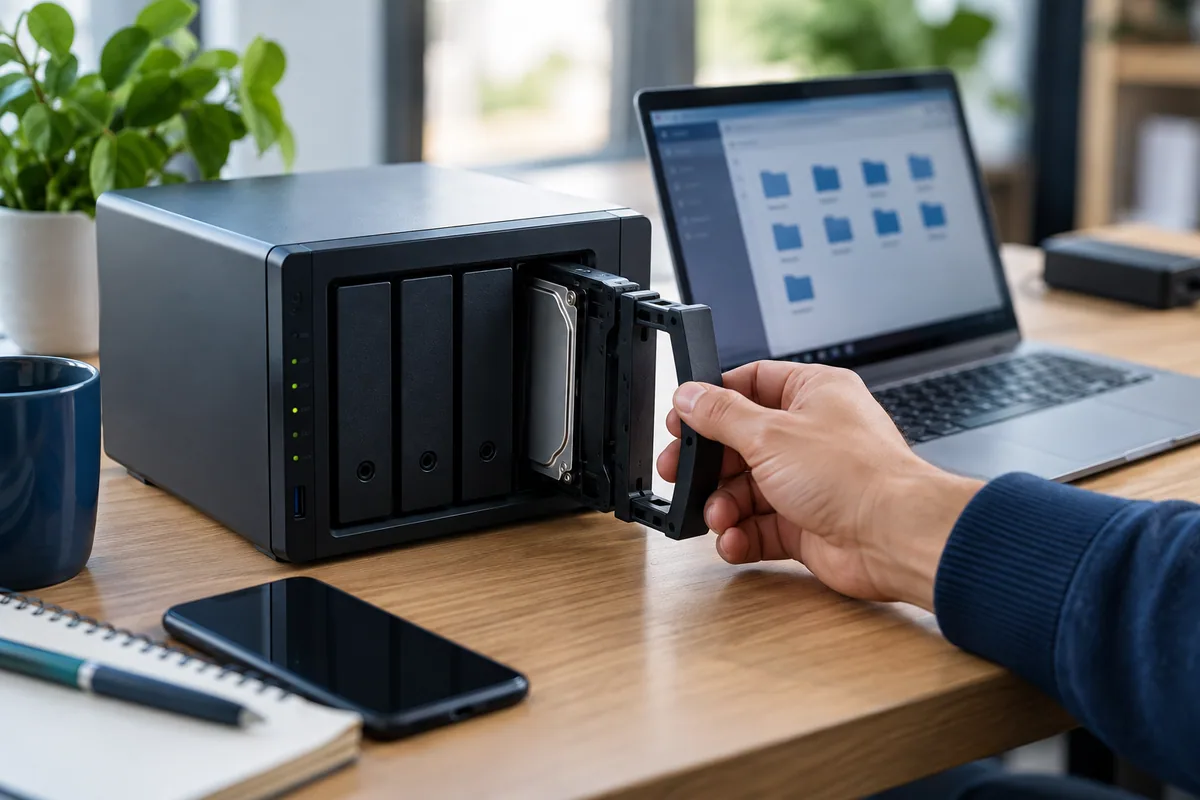
What is NAS? Learn the difference of network-connected storage, file sharing, RAID and backup. Create capacity, access and return plan for your business.
Read the guide →
What is IaaS? Virtual machine, network and storage in infrastructure as a Service model; Check out PaaS with SaaS difference and customer responsibilities.
Read the guide →
What is a cloud PBX? Built-in number, IVR, call routing and IP phone usage; Learn the internet needs, transportation process and cost criteria.
Read the guide →
What is VoIP, how does it work? Voice communication via IP, SIP and codec concepts; Learn the needs of delay, package loss and office network.
Read the guide →
What is Office 365? The relationship with Microsoft 365, corporate email and file sharing; Learn with plan, license, access and pass criteria.
Read the guide →
6 reasons for using Office 365: email, common files, work together, access, account management and license plan. Check the terms of Microsoft 365.
Read the guide →
Microsoft 365 work-out checklist: close account access, email and OneDrive patrol, device delivery and license control steps.
Read the guide →
Evaluate Microsoft 365 Copilot experiences by data source, license and user entitlements. Sample access and output control for enterprise use.
Read the guide →
What is WAF Web Application Firewall? Web traffic control, network firewall difference, SQL injection and XSS rules; Learn the limits of application and incorrect alarm.
Read the guide →
Fortigate prepare model, FortiOS, license, network topology and error information for support. Review VPN, link, policy and update diagnostic steps.
Read the guide →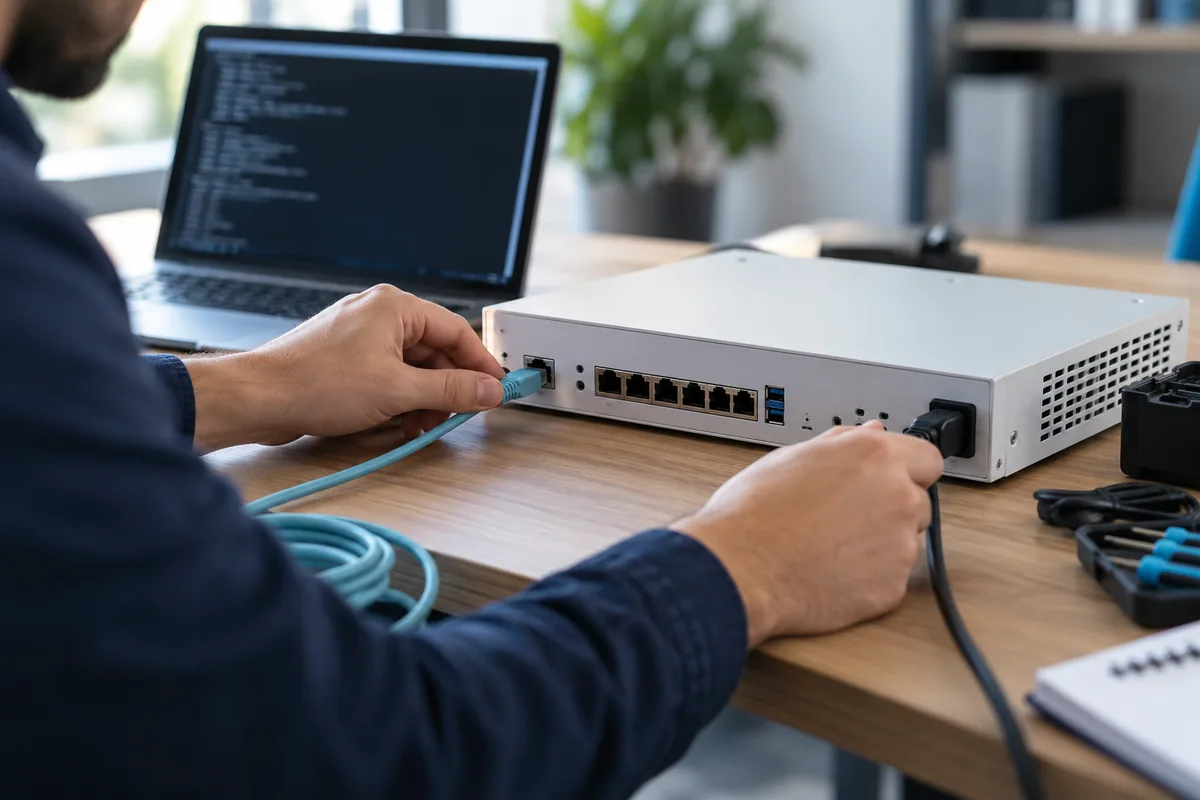
How to install Fortigate firewall? Learn network plan, secure management, WAN/LAN, route, NAT, policy, test and return steps in controlled installation guide.
Read the guide →
Learn the authorization limits, human approval, data protection and registration steps for artificial intelligence security. Prepare the pilot plan that fits your business.
Read the guide →
FortiGate check the device, service coverage, time and registration information before resurfacing license. Offer comparison and after-renew verification guide.
Read the guide →
Where to keep BitLocker recovery key in companies? A secure corporate control list for the competent access, registration verification and support process.
Read the guide →
Consider access, updates, backups and incident preparedness together against ransomware risk. Sample control and evidence table for institutions.
Read the guide →
Set up FortiGate IPsec VPN step by step: IKEv2, FortiClient, user groups, access policies and DNS, with software version differences explained.
Read the guide →
What is Google Gemini, how to use it in businesses? Learn examples of use for email, document and meeting processes and data security steps.
Read the guide →
What is Passkey, what is the difference from password and SMS code? Check Microsoft 365 compatibility for businesses, device loss and secure switching steps.
Read the guide →For your existing systems and priorities View our services or Contact us.
Since 2012, we have aligned businesses’ technology needs with their workflows.
GET IN TOUCH
+90 850 474 33 34 info@quadbilisim.comMeşrutiyet Mah. Seyrantepe Cad.
No:10 /J, Şile / İstanbul
© 2026 Quad Bilişim
