Troubleshoot Rising CRC Errors on a Switch Port
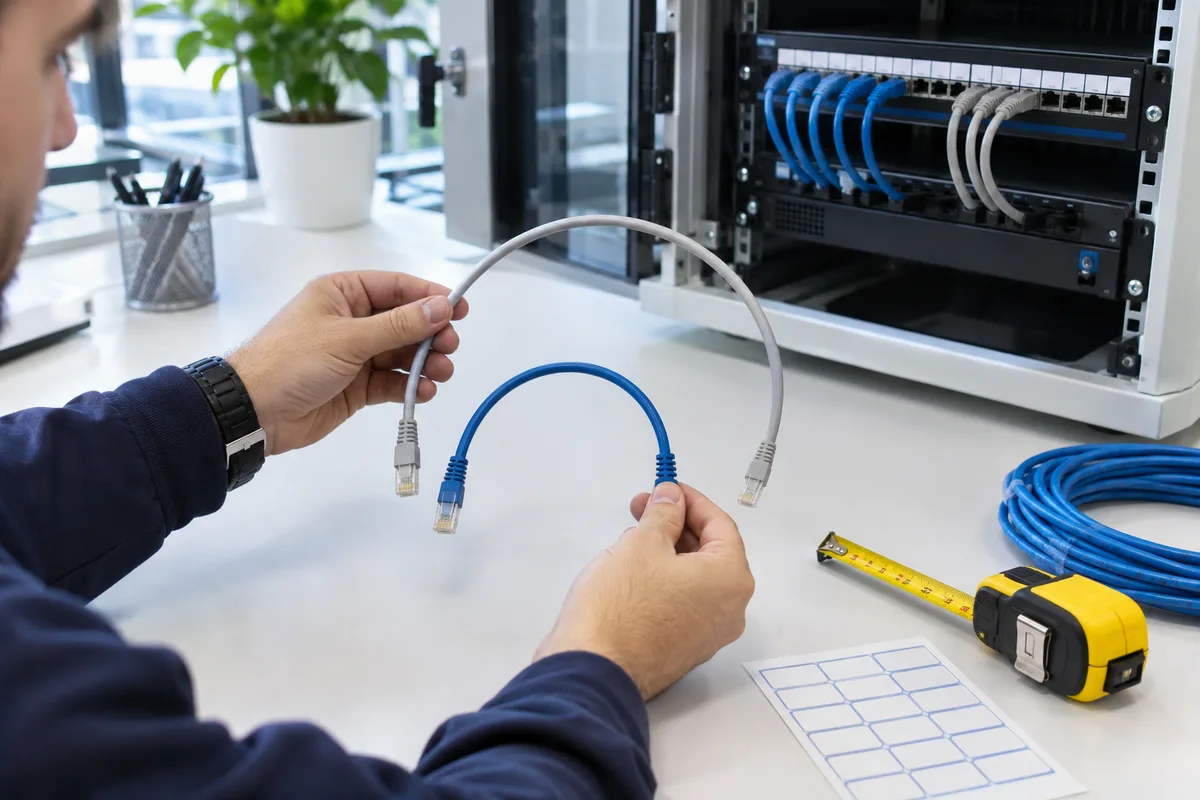
How to measure CRC errors on a switch port
CRC errors on a switch port may have accumulated over time. The counter alone does not show that the connection is currently producing errors. First take two timestamped samples from the same port and check whether the counter increases. Record the connection speed, duplex status and error counters at the other end together with those observations.
Recording CRC errors on a switch port
Two readings, one decision. If the first sample shows 40 CRC errors at 10:00 and the second shows 40 at 10:10, no new CRC errors occurred in that interval. A second reading of 55 means an increase of 15 during the interval. The same subtraction cannot be used if the interface counter was reset or the device restarted in between. Record the event log and changes in operational state. Change one variable at a time. After confirming an active error, examine the other end and the speed and duplex settings. During an authorized maintenance window, change one cable or port variable and repeat the same before-and-after measurement. Preserve evidence instead of resetting counters or connections on running equipment just to make measurement easier. Counter names can vary by manufacturer, model and software version. For the handover record, include the port identifier, peer, measurement interval, CRC increase, link events, changed component and result. A successful test strengthens the evidence connecting that component to the problem. Handover requirements determine whether the connection also needs permanent cabling certification.
