7 Things to Check Before Renting a Virtual Server
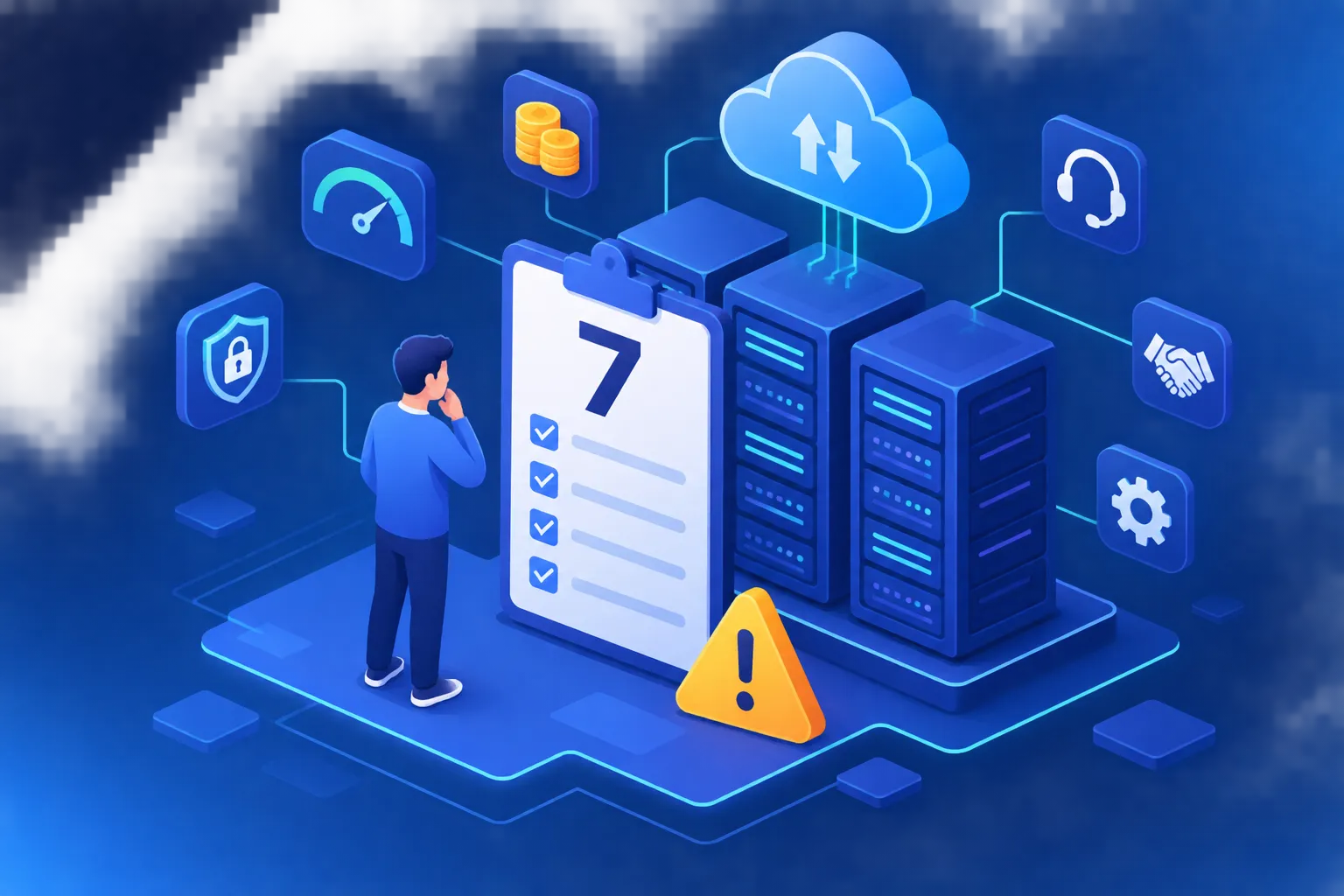
When renting a virtual server, assess seven criteria together: resource allocation, CPU and memory capacity, storage, location and networking, uptime commitments, security and backups, and technical support. Compare quotes against the same workload and service scope to see what resources and responsibilities the monthly fee covers.
A brochure website may be affected chiefly by brief spikes in traffic. On an e-commerce site, product searches, baskets and checkout requests can all run at once. These tasks put pressure on different resources, so two sites with similar visitor counts can need different server configurations.
1. Verify resource allocation in VPS and VDS quotes
Providers may use the terms VPS and VDS differently. Check whether the virtual CPUs (vCPUs) are shared or dedicated, what any dedicated allocation covers, and whether the RAM capacity is guaranteed. Ask for written confirmation of the operating system and the extent of administrator access.
Shared CPU can be a reasonable starting point for a development environment or a low-traffic site. For an application that needs consistent response times at peak hours, consider dedicated vCPUs and measure performance under a realistic load. DigitalOcean guide to shared and dedicated CPU
2. Size CPU and memory for peak demand
If you are migrating an existing server, look at peak CPU and RAM usage together with response times and error rates. For a new application, simulate the expected concurrent operations in a test environment. On an e-commerce site, for example, run product searches, add-to-cart actions and order creation in the same scenario.
If response times rise, find the bottleneck. When the CPU spends long periods near capacity, identify the operations driving the load. If you see memory pressure or heavy swapping, reassess the RAM requirement. Ask whether CPU and RAM can be upgraded separately and whether the upgrade requires a restart.
3. Assess storage capacity and performance separately
Allow space for the operating system, database, user uploads, logs and expected growth. A system using 45 GB today and growing by about 5 GB per month will reach roughly 75 GB in six months. Add a margin for temporary files, updates and unexpected growth.
For databases, check disk I/O latency and input/output operations per second (IOPS). For large file transfers, sustained throughput also matters. With NVMe packages, ask whether these metrics have guaranteed minimums or enforced limits. AWS documentation on storage performance and monitoring
4. Test data centre location and network conditions
Identify where users and connected systems are located. If the provider offers a test address, measure latency and packet loss at different times from connections that represent office and user networks. Compare the application's HTTPS response time if possible. The route used by network operators can affect performance even when the data centre is nearby.
Check whether the quoted port speed is shared or guaranteed, what the monthly traffic allowance is, which direction counts towards it, and what happens if you exceed it. If you move large backups regularly, factor in transfer times and any outbound traffic fees.
5. Read the uptime commitment in the agreement
Find out which component the service level agreement (SLA) measures. A virtual machine can be reachable while application checkout is failing. Monitor a critical application operation separately.
| Uptime | Approximate downtime |
|---|---|
| 99.9% | 43 minutes |
| 99.95% | 22 minutes |
| 99.99% | 4 minutes |
The table shows mathematical equivalents. Check how scheduled maintenance is treated, which outages are excluded and how long you have to request a service credit. Amazon Compute SLA example
6. Assign security and recovery responsibilities in writing
Ask the provider to identify who handles network security, operating system patches, application updates and administrator access. If DDoS protection is offered, ask which traffic it covers and how the provider responds during an incident.
Set two backup targets. The recovery point objective (RPO) indicates how far back you can afford to restore. The recovery time objective (RTO) specifies how quickly the service must be running again. If you can afford to lose only an hour of orders, a daily backup cannot meet that objective. If you use snapshots, confirm which disks are included, how database consistency is ensured and where the copy can be restored from when the source server is unreachable.
Ask about retention periods and restore fees. Restore to a separate environment to check that the application starts, the data is accessible and recovery finishes within the target time. AWS Well-Architected guide to recovery testing
7. Find out what support covers and when it responds
For managed and unmanaged plans, get written confirmation of who is responsible for setup, monitoring, updates, restores and application support. For example, if the database stops overnight, ask who receives the alert and who brings the service back.
Assess first response, start of intervention and any target resolution time separately. Check which support channel is available outside business hours and how out-of-scope work is billed. Compare offers over the same period and include licences, extra IP addresses, backups, network traffic, setup and taxes. Quad Bilişim guide to server rental costs
What should you prepare before asking for a quote?
Tell providers what application you run, the peak workload, current CPU and RAM measurements, data size, where users are located, and acceptable downtime and data loss. Give every provider the same information so that you can compare resources, support scope and total cost.
When comparing virtual server quotes
For each quote, write the guaranteed resources, restore time and out-of-hours support coverage on a single line. If the provider leaves anything unclear, ask for written confirmation before ordering.
With this information, you can ask Quad Bilişim to assess a server configuration and management scope for your application. Quad Bilişim virtual server service
